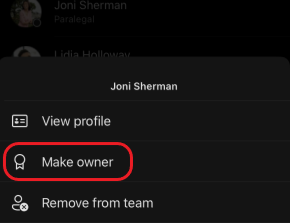
If you want to make someone an owner or view who's an owner of an existing team:
To the right of the team name, select More team options
 > Manage team
 .
Select Members tab.
Select the Members and guests drop down to see all team members. The Team role column on the right tells you if someone's a team member or team owner. To make someone an owner, select the dropdown and then choose Owner.
Note
You must be a team owner to make a member an owner.
You can also make someone a team owner while you're creating a team. When you add team members, choose if each new person is going to be a team member or team owner. Do this by selecting Owner under the Member menu.
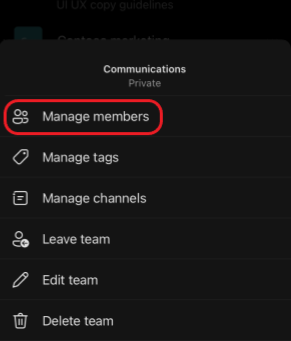
 then select the team. After tapping the team's name, tap More options
 > Manage members.