

Send acclaim to your employees and coworkers with Praise. Deliver in a chat, or for wider recognition, send it in a channel conversation.
To praise someone on your team:
Select Chat
 in Teams.
Open the chat conversation with the person you want to praise.
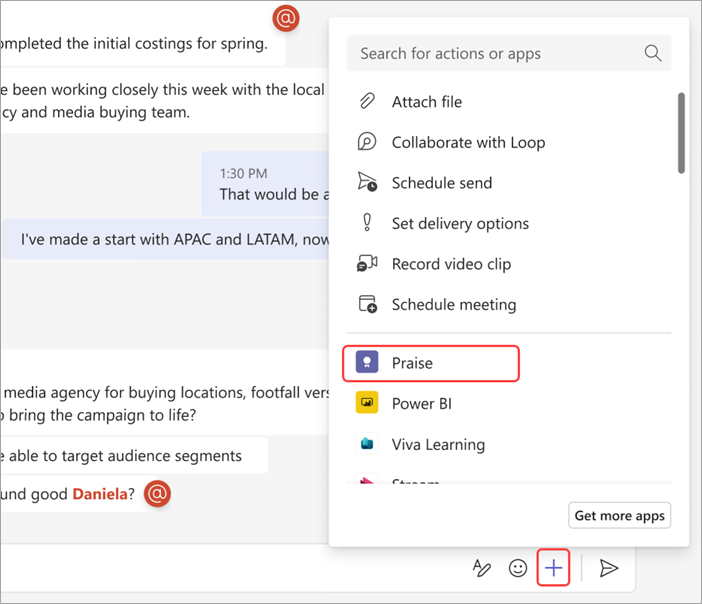
Select Actions and apps
 > Praise
 in the chat compose box.
Select a desired title.
Add an optional note of up to 500 characters.
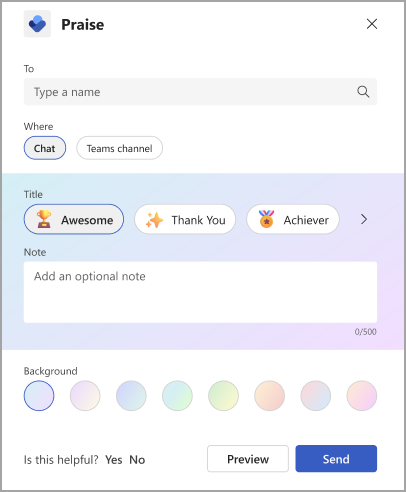
Select Preview.
Once it's ready to go, select Send.
 > Praise