Important
Microsoft Project Online will be retired on September 30, 2026. For more information, refer to this announcement: Microsoft Project Online is retiring: What you need to know
Projects sometimes come equipped with a lot of documents, from proposals and planning documents, to research and presentations. These documents are stored on a separate site for each project.
- Click Projects on the Quick Launch.

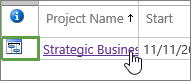
- Click the name of a project in the list.
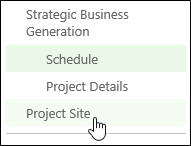
- Click Project Site on the Quick Launch.
- Click Documents on the Quick Launch.

- Click the name of the document in the list, to open it.